




Managing a business website should not require a developer for every content update. Whether you want to publish blog posts, update service pages, manage product information, or add new sections to your website, a content management system makes these tasks easier.
CMS development helps businesses create websites that are easier to manage, maintain, and expand. The right solution allows your team to control website content through an administrative dashboard while developers focus on functionality, security, and performance.
From WordPress development to custom CMS solutions and headless content platforms, businesses have several options depending on their requirements. Understanding these options can help you choose a system that supports your daily operations and long-term digital growth.
In this guide, we explain CMS development services, their benefits, different types of CMS platforms, the development process, and the factors to consider before choosing a solution for your business.
What Is CMS Development?
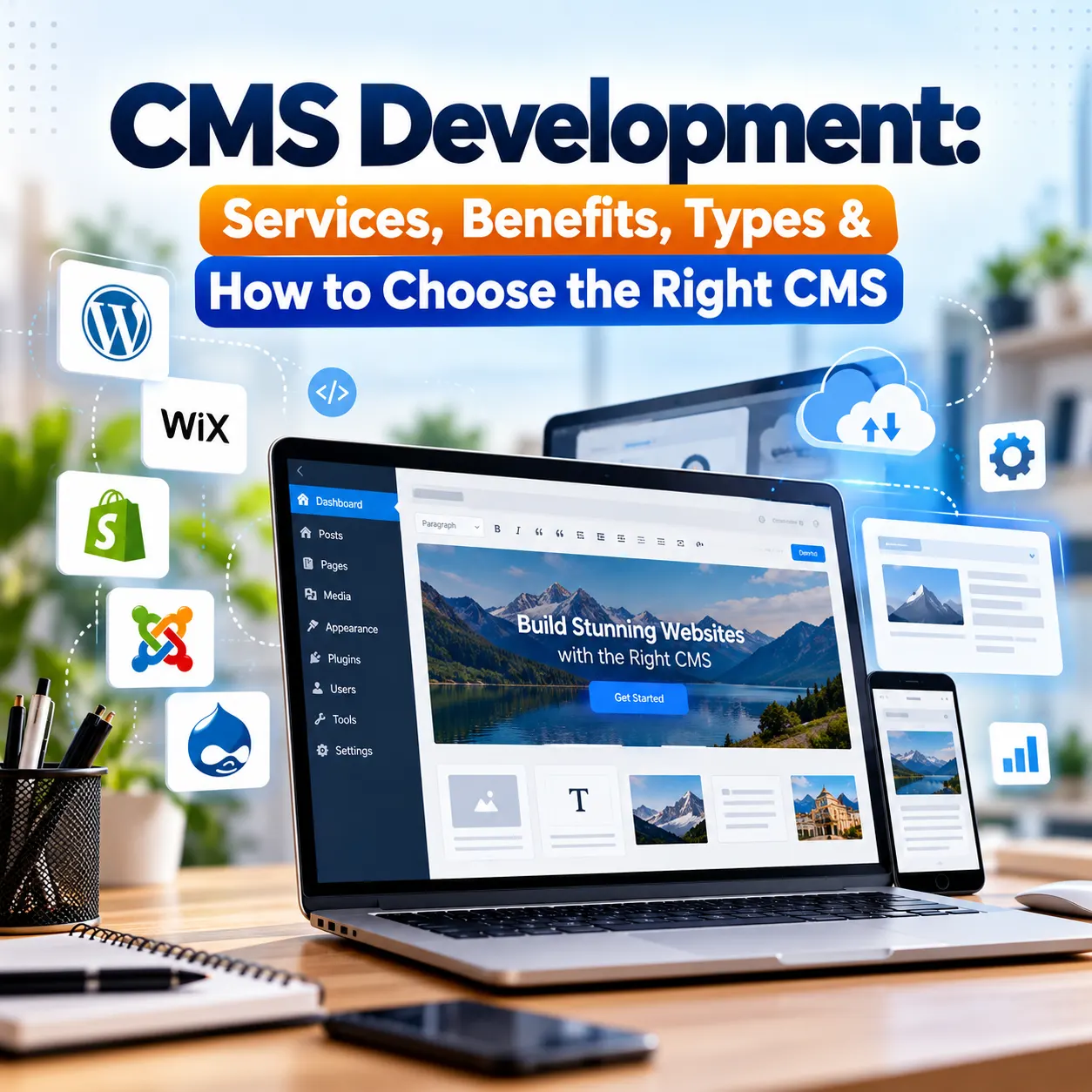
CMS development is the process of building, customizing, or configuring a content management system that allows users to create, edit, organize, and publish website content without manually modifying code for every change. A content management system usually includes an administrative dashboard where authorized users can manage pages, images, blog posts, products, categories, and other website information.
For example, a business owner can update service descriptions, publish a new article, or replace an image without asking a developer to make each change. More advanced CMS solutions can also include custom fields, user permissions, approval workflows, and integrations with external applications.
CMS development can be used for:
- Business and corporate websites
- Blogs and content publishing platforms
- eCommerce websites and product catalogs
- Educational websites and online learning platforms
- Real estate and property listing websites
- Membership portals and customer dashboards
- Large websites with multiple content categories
The main purpose is to make website content easier to manage while providing the flexibility, security, and functionality the business needs.
What Are CMS Development Services?
CMS development services cover the planning, implementation, customization, and maintenance of content management systems. The exact services depend on whether a business needs a new website, improvements to an existing platform, or a more advanced content management solution.
1. Custom CMS Development
Custom CMS development involves building a content management system around specific business requirements rather than relying entirely on standard platform features. It can be useful when a business needs specialized administrative dashboards, complex content relationships, custom user permissions, or workflows that existing platforms cannot handle efficiently.
Custom CMS development may include:
- Custom administrative dashboards
- Tailored content types and fields
- Role-based access controls
- Custom publishing and approval workflows
- Database and content structure design
- Integration with business applications
A custom CMS provides greater control over functionality, but it also requires more development time and ongoing maintenance. It is most suitable when the additional flexibility solves a genuine business problem.
2. WordPress CMS Development
WordPress is a widely used content management platform for business websites, blogs, and many types of content-driven websites. CMS development can include custom theme development, plugin development, website customization, content management improvements, and integrations with other applications.
Businesses can use WordPress to manage service pages, publish articles, create landing pages, and organize website content through an administrative dashboard. It is often a practical choice for small and medium-sized businesses that need a flexible website without the cost of building an entirely new CMS from scratch. However, performance and security depend on the quality of the implementation, hosting, themes, plugins, and ongoing maintenance.
3. Headless CMS Development
Headless CMS development separates the content management backend from the frontend that displays the content. Instead of managing content and presentation as one connected system, a headless CMS delivers content through APIs to different digital platforms, such as websites, mobile applications, and other supported channels. Popular headless CMS platforms include Strapi, Sanity, and Contentful. This approach can be useful for businesses that need to distribute content across multiple platforms or want a custom frontend built with technologies such as React or Next.js.
However, a headless CMS is not automatically better than a traditional CMS. It can require additional development, hosting, integration, and maintenance work. The decision should depend on the project’s actual requirements.
4. CMS Migration Services
CMS migration involves moving an existing website from one content management platform to another or restructuring it within a new system. Businesses may consider migration when their current CMS is difficult to maintain, lacks essential features, performs poorly, or cannot support future requirements.
A CMS migration project may involve:
- Auditing existing pages and website content
- Mapping current URLs and content structures
- Migrating text, images, and other data
- Rebuilding essential functionality
- Setting up redirects for changed URLs
- Checking metadata and internal links
- Testing forms, integrations, and publishing workflows
- Reviewing technical SEO before and after launch
SEO planning is particularly important during migration. Broken redirects, missing content, incorrect canonical tags, and changes to important URLs can affect organic visibility.
A structured migration helps reduce these risks, although no development process can guarantee that rankings or traffic will remain completely unchanged.
5. CMS Maintenance and Support
A website requires attention after launch to remain secure, reliable, and compatible with changing software requirements. CMS maintenance services can include platform updates, plugin updates, security checks, backups, bug fixing, performance improvements, and technical support. Regular maintenance helps identify problems early and reduces the risk of issues caused by outdated software or incompatible extensions. For businesses that rely on their websites for enquiries, sales, or customer communication, ongoing support can be an important part of their website management plan.
6. CMS API Integration
CMS API integration connects a content management system with other applications so that information can be exchanged between platforms.
For example, a business may want its website to connect with a customer relationship management system, an email marketing platform, a payment gateway, or an inventory management application. API integrations can help businesses reduce repetitive manual work, maintain more consistent information, and support connected digital operations. The implementation should account for authentication, data validation, error handling, permissions, and the reliability of the external services involved.
What Are the Main Benefits of CMS Development?
The right content management system can make everyday website operations more efficient and provide a foundation for future improvements.
- Easier Content Management: A CMS allows authorized users to update website content through an administrative dashboard. Routine tasks such as editing pages, uploading images, and publishing articles can be completed without changing website code manually. This makes content updates more accessible to marketing teams, editors, and business owners.
- Reduced Dependence on Developers: Not every website change requires a developer. With a properly configured CMS, team members can handle many routine content updates independently. Developers can then focus on more complex tasks, such as building new features, improving security, and resolving technical problems.
- Better Content Organization: As a website grows, managing its pages and media can become difficult. A CMS provides tools for organizing content through categories, tags, custom fields, and other structures supported by the platform. This is especially helpful for websites that publish articles regularly or manage large product and service catalogs.
- Flexible Website Expansion: Businesses often introduce new services, products, locations, or content categories as they grow. A well-planned CMS can support these changes without requiring the entire website to be rebuilt. The level of flexibility depends on the platform, architecture, and quality of the original development.
- Improved Publishing Workflows: CMS platforms can provide user roles, drafts, scheduled publishing, and approval workflows. These features help businesses control who can edit or publish content and make collaboration easier when several people work on the same website.
- Support for SEO and User Experience: A CMS can make it easier to manage page titles, meta descriptions, image alt text, URLs, and content structure. When combined with responsive design, good technical implementation, and useful content, these capabilities can support a better user experience and help search engines understand website pages. A CMS alone does not guarantee higher Google rankings. Search visibility also depends on content quality, relevance, competition, technical SEO, and other factors.
How to Choose the Right CMS for Your Business
Choosing a CMS should begin with your business requirements, not simply the popularity of a particular platform.
- Identify Your Content Requirements: Determine what your team needs to manage, such as service pages, articles, products, customer information, or property listings. A small business website may need only standard content management features, while a large portal may require custom fields, complex permissions, and advanced workflows.
- Consider Ease of Use: The CMS should be simple enough for your team to use confidently. Before selecting a platform, consider how easily users can edit pages, upload images, create new content, and manage publishing permissions.
- Review Customization Options: Check whether the CMS can support your required layouts, content structures, integrations, and business processes. If standard functionality is sufficient, an established CMS may be more practical than a custom-built platform. If the requirements are highly specialized, custom development may provide greater value.
- Evaluate Security and Maintenance: Consider how the platform handles updates, backups, user permissions, and security improvements. You should also determine who will maintain the website after launch and how technical problems will be handled.
- Check SEO and Performance Capabilities: The CMS should support important technical SEO requirements, including clean URLs, editable metadata, mobile-friendly pages, and appropriate indexing controls. Page speed also depends on hosting, frontend code, image optimization, caching, and third-party scripts.
- Assess Integration Needs: If your website needs to exchange information with other applications, check whether the CMS supports the necessary APIs or integration methods. Planning these requirements early can reduce unexpected development work later.
CMS Development Process: From Planning to Launch
A structured development process helps ensure that the final website meets business requirements and remains manageable after launch.
Step 1: Requirement Analysis: The development team identifies your business goals, target audience, required features, content structure, and technical constraints. This stage establishes the project scope and helps determine whether an existing CMS, a customized platform, or a custom-built solution is appropriate.
Step 2: Platform Selection and Architecture: The team evaluates suitable technologies and plans how content, users, permissions, and integrations will work. For an existing website, this stage may also include a technical audit, URL review, and migration planning.
Step 3: UI Design and CMS Development: The website interface and content management experience are designed around the needs of both visitors and administrators. Developers then configure the CMS, create the required components, implement custom functionality, and connect supported integrations.
Step 4: Testing and Quality Checks: Before launch, the website should be tested across relevant devices and browsers. Testing should cover content publishing, user permissions, forms, navigation, integrations, performance, and security-related configurations. Technical SEO checks should also be completed.
Step 5: Website Launch: After testing and approval, the website is deployed to the production environment. The launch process should include backups, final content checks, analytics verification, and appropriate redirects if existing URLs have changed.
Step 6: Maintenance and Improvements: After launch, the CMS may need software updates, performance improvements, bug fixes, and new functionality. Regular reviews help keep the system aligned with changing business needs.
CMS Development and SEO: What Should You Consider?
If your goal is to attract organic traffic, CMS development should support your SEO strategy from the beginning.
The following elements deserve attention during implementation.
- Editable page metadata: Make it possible to manage relevant page titles and meta descriptions.
- Clean URL structure: Use readable URLs that reflect the website’s content organization.
- Mobile-friendly design: Ensure that visitors can access and use website content comfortably on mobile devices.
- Page speed optimization: Optimize images, scripts, caching, and other elements that affect loading performance.
- Logical content structure: Use meaningful headings and organize related pages so visitors and search engines can understand the site’s structure.
- Image optimization: Use appropriate image formats, file sizes, and descriptive alt text.
- Technical SEO configuration: Review canonical tags, XML sitemaps, robots directives, and indexing settings.
- Redirect management: When URLs change, use relevant redirects to help visitors and search engines reach the correct pages.
- Structured data: Implement relevant schema markup when it accurately represents the visible content.
These elements create a better technical foundation for SEO. They should be combined with helpful content, relevant internal links, and a clear website structure to support organic search performance.
Common CMS Development Mistakes to Avoid
Even a powerful CMS can become difficult to manage when the implementation does not match the business requirements.
- Choosing a Platform Without Planning: Selecting a CMS before identifying the required features can lead to unnecessary customization or limitations later. Define your content needs, workflows, integrations, and budget before making a final decision.
- Installing Too Many Plugins: Excessive plugins can increase maintenance work, create compatibility problems, and introduce additional security risks. Use extensions only when they serve a clear purpose and keep them updated.
- Ignoring Website Security: Weak passwords, outdated software, excessive user permissions, and missing backups can expose a website to avoidable risks. Apply appropriate security controls and maintain a regular update and backup routine.
- Overlooking the Editing Experience: A CMS should make content management easier, not more complicated. If routine updates require technical assistance every time, the system may need a better content structure or a simpler administrative interface.
- Neglecting Technical SEO During Migration: Changing platforms can affect URLs, metadata, internal links, and indexing settings. Review these elements before launch and verify them afterward to reduce the risk of avoidable search visibility problems.
- Forgetting Ongoing Maintenance: A website is not a one-time project. Plan for software updates, backups, performance checks, and technical support to keep the CMS reliable over time.
Why Choose NRDevCraft for CMS Development?
NRDevCraft offers web development solutions across technologies including WordPress, Laravel, PHP, Shopify, React, and Angular. Its website also highlights custom WordPress themes and plugins, enterprise CMS solutions, custom web applications, and SEO-focused services. These capabilities are relevant for businesses that need a content management system connected to a wider website or application project.
Depending on your requirements, a CMS project may involve improving an existing WordPress website, building custom functionality, connecting external applications, or developing a more specialized web platform.
When evaluating CMS development options, consider the following priorities:
- Business-focused development: Define the features and content workflows your team actually needs.
- Suitable technology selection: Choose a platform based on functionality, budget, and future requirements.
- Maintainable implementation: Avoid unnecessary complexity and plan for ongoing support.
- SEO considerations: Include technical SEO requirements during development rather than treating them as an afterthought.
- Room for future growth: Make sure the solution can accommodate realistic changes in content, services, and functionality.
Before starting a project, discuss the required features, integrations, maintenance arrangements, and expected deliverables with the development team. To explore available web development solutions, visit NRDevCraft and discuss your CMS or website requirements.
Conclusion
CMS development helps businesses manage website content more efficiently while creating a foundation for future improvements. The right system can simplify publishing, improve content organization, support integrations, and reduce dependence on developers for routine updates.
However, choosing the right platform requires more than comparing features. Consider your content requirements, budget, security priorities, SEO needs, and plans for future growth before deciding between WordPress, a headless CMS, or a custom-built solution.
If you are planning a new business website or improving an existing platform, explore the web development solutions offered by NRDevCraft and discuss the requirements of your project.
FAQ’s
CMS development is the process of building, customizing, or configuring a content management system that allows users to create, edit, and publish website content without manually changing code. It helps businesses manage pages, articles, images, products, and other digital content through an administrative dashboard.
CMS development costs depend on the platform, website complexity, custom features, integrations, and migration requirements. A basic CMS website generally requires less development work than a custom-built or headless CMS, so the final estimate should be based on the project scope.
WordPress is suitable for many business websites because it offers flexible content management and a wide range of extensions. Shopify, headless CMS platforms, or custom solutions may be more appropriate for specific eCommerce, multi-channel publishing, or complex workflow requirements.
Custom CMS development allows businesses to build content management features, user permissions, and workflows around their specific requirements. It provides greater control over functionality but may involve higher development and maintenance costs than an established CMS.
A traditional CMS generally connects content management with the system that displays website pages. A headless CMS separates the backend from the frontend and delivers content through APIs, making it useful for businesses that publish content across multiple digital channels.
CMS development can support SEO through editable metadata, clean URLs, mobile-friendly layouts, page speed improvements, and correct indexing settings. However, search rankings also depend on content quality, competition, website authority, and the quality of technical implementation.
Yes, an existing website can often be migrated to another CMS, including its content, media, and supported functionality. A proper migration should include URL mapping, relevant redirects, metadata checks, content validation, and testing to reduce the risk of losing organic search visibility.
A CMS website can be secure when it uses maintained software, strong authentication, appropriate user permissions, regular backups, and suitable security controls. Its security also depends on hosting configuration, third-party extensions, developer practices, and ongoing maintenance.
Yes, many CMS platforms can connect with CRM systems, email marketing tools, payment gateways, inventory platforms, and other applications through APIs or supported integrations. The available options depend on the CMS, the external service, and the information that needs to be exchanged.
A CMS development company can help you select a suitable platform, build the required features, configure integrations, and test the website before launch. Professional support can also help with migration, technical SEO, security, and ongoing maintenance as your business grows.